
Commercial Wi-Fi
Consumer routers don't hold up in a commercial building. We design and install enterprise Wi-Fi with access points placed for real coverage, backed by the cabling and switching to support them.
Wi-Fi in a commercial space is a design problem more than a purchasing one. Wall materials, tenant density, and the networks next door all affect where access points belong and how they should be tuned.
We plan coverage, cable and mount the access points, and set up SSIDs, VLANs, and guest access on a controller or a cloud-managed platform. The network should behave the same at 8 a.m. and at 2 p.m.
What you get
- AP placement based on the building instead of a guess
- Separate SSIDs and VLANs for staff, guests, and devices
- PoE cabling and switching sized for current and next-gen APs
- Roaming that hands off between APs without dropping calls
- Monitoring so problems surface before users report them
What we install and support.
Enterprise AP install
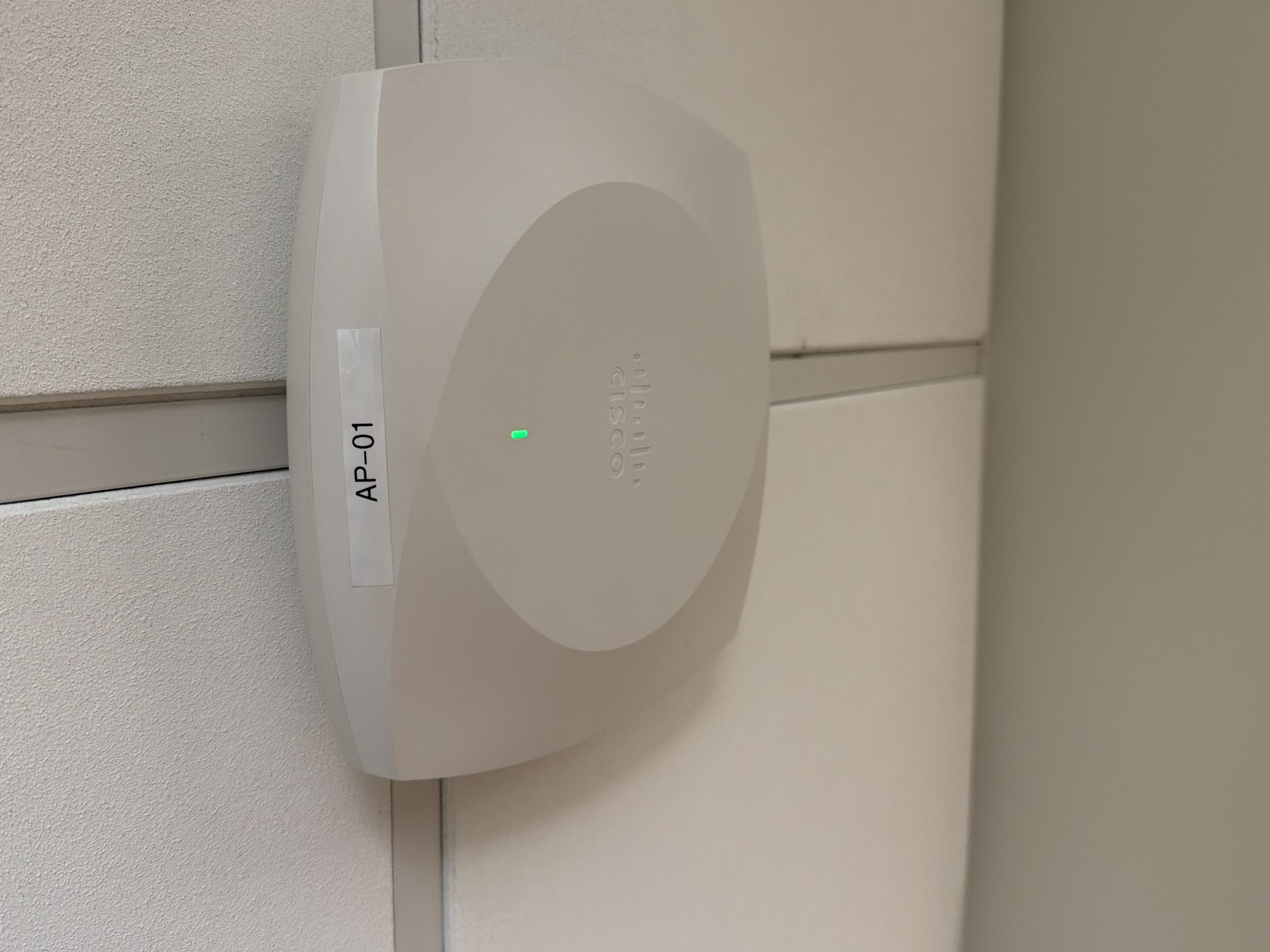
Ceiling and wall-mount access points from the major enterprise platforms.
RF coverage design
AP counts and placement matched to the floor plan and wall materials.
Band & channel planning
2.4, 5, and 6 GHz tuned for density and for neighboring networks.
SSIDs & VLANs
Staff, guest, IoT, and BYOD traffic kept separate.
Post-install validation
Coverage and throughput verified by walking the actual floor.
Security & guest access
WPA3, PSK rotation, and captive portals where they fit.
Where this work belongs.
We work across commercial property types throughout Tampa Bay and Florida. If your building type isn't listed here, call and ask.
A repeatable process, from walk to handoff.
Assess
Floor plan, wall materials, tenant count, and device mix reviewed.
Design
AP placement plan with coverage and capacity targets.
Cable
PoE runs to each AP location on Cat6 or Cat6A.
Install
Access points mounted, cabled, and adopted to the controller.
Configure
SSIDs, VLANs, radio settings, and guest access.
Validate
Walk-through survey, then adjustments where coverage falls short.
Details that matter on site.
6 GHz and Wi-Fi 6E / 7
6 GHz opened up a lot of clean spectrum for crowded spaces. It only pays off if the client devices and the cabling to the AP can use it, and the cabling is usually what holds it back. Cat6A and multi-gig switching are what make the extra spectrum worth buying.
Coverage isn't the same as capacity
One access point can cover a large room and still fall apart at 30 users. We size the design around the number of active clients and the airtime they need, not just signal strength on a heat map.
What clean installs look like.
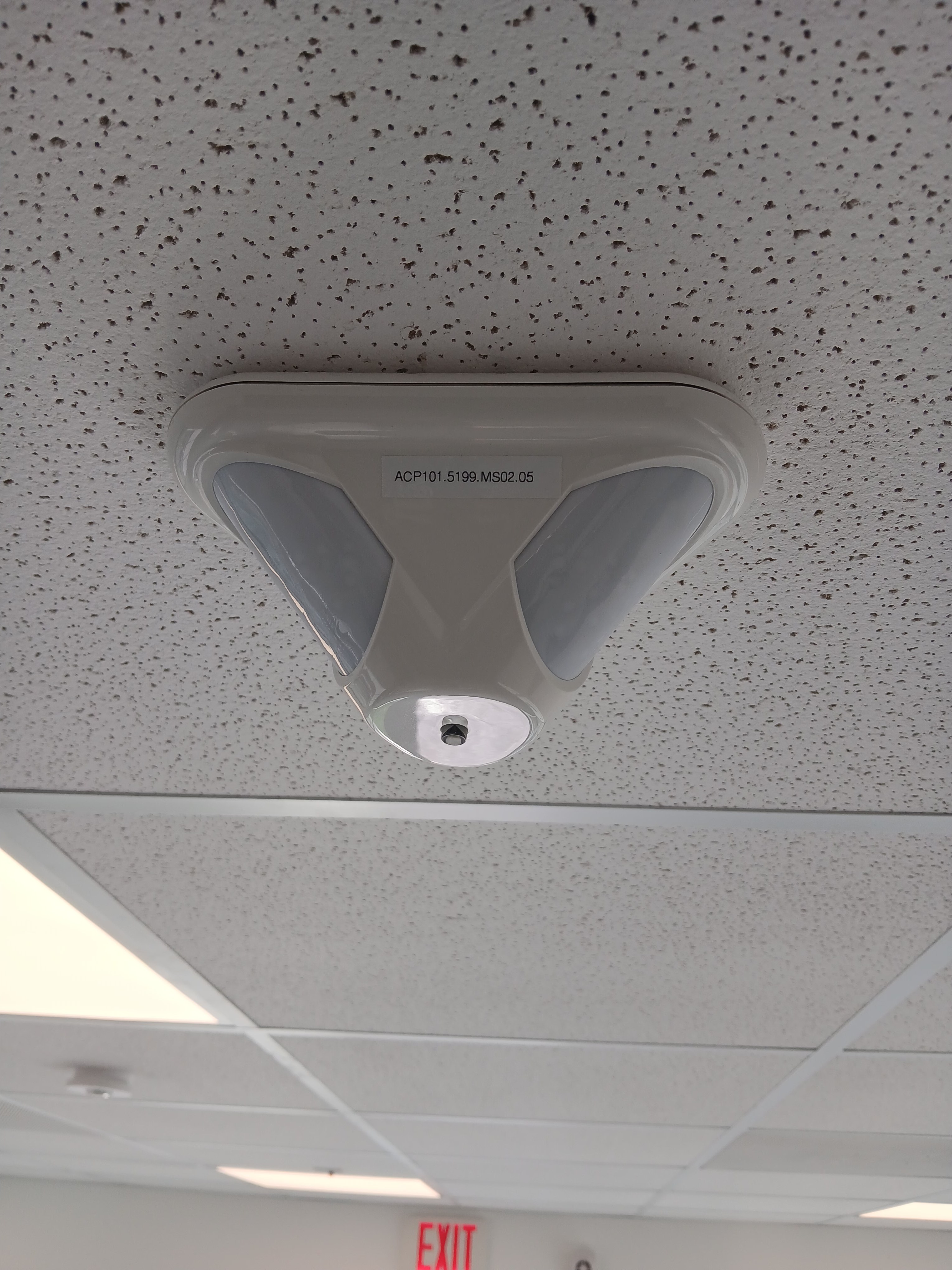
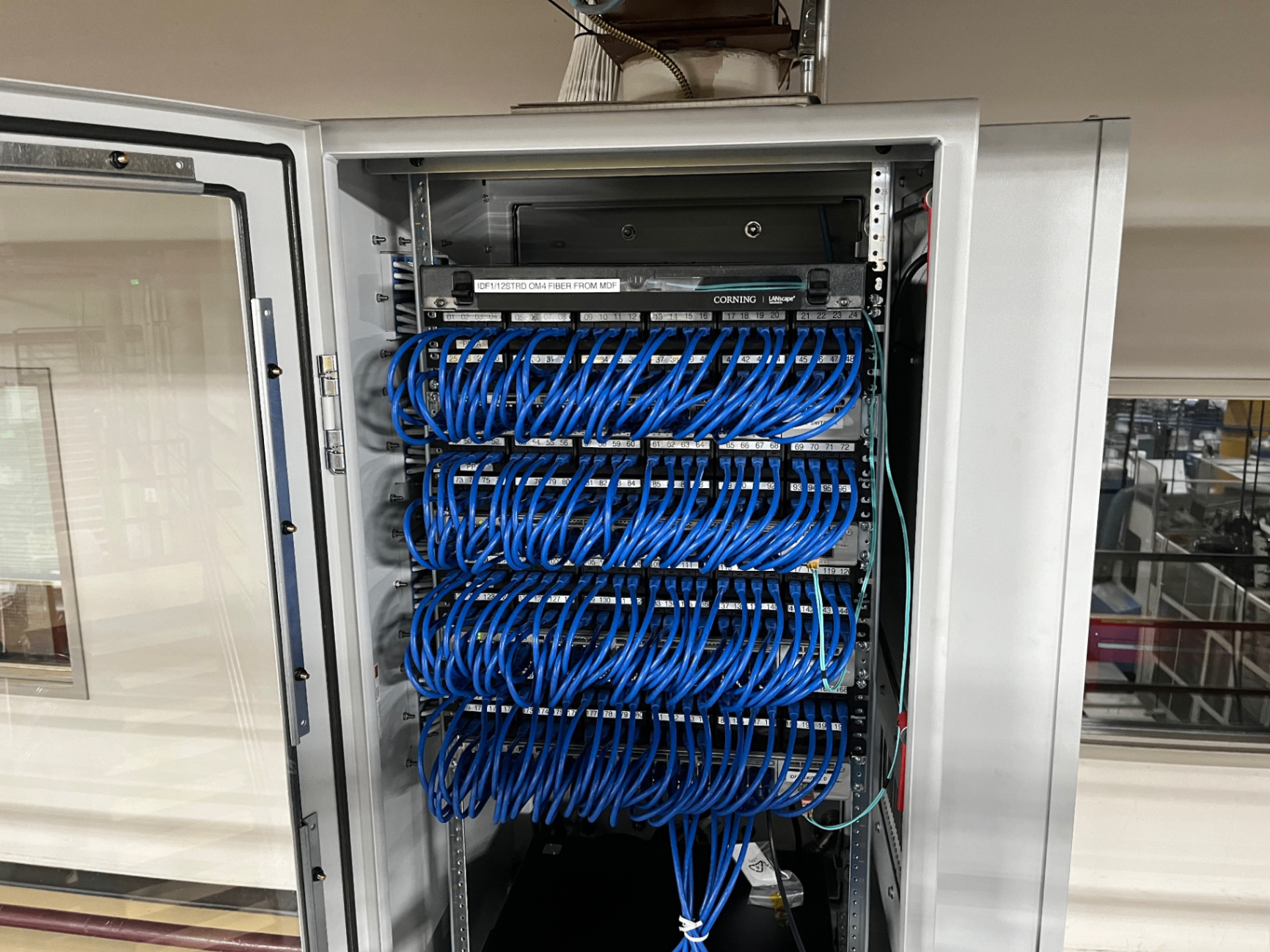
Representative equipment and examples of the systems our team installs and supports.
Often paired with this work.
Serving Tampa Bay and surrounding Florida markets.
We're based in Tampa and travel to job sites throughout the bay area and across Florida. If your project is in the region, we can be on site.
View all service areasPlanning a Low-Voltage Project?
Tell us about the site, scope, and schedule. We'll walk through the requirements and get you a clear, honest quote.